Case study · Livspace · Canvas · 2020

A Bill of Quotation builder for Livspace
Redesigning how interior designers build the quote behind every pitch — so customers understand what they pay for, and designers win the project.
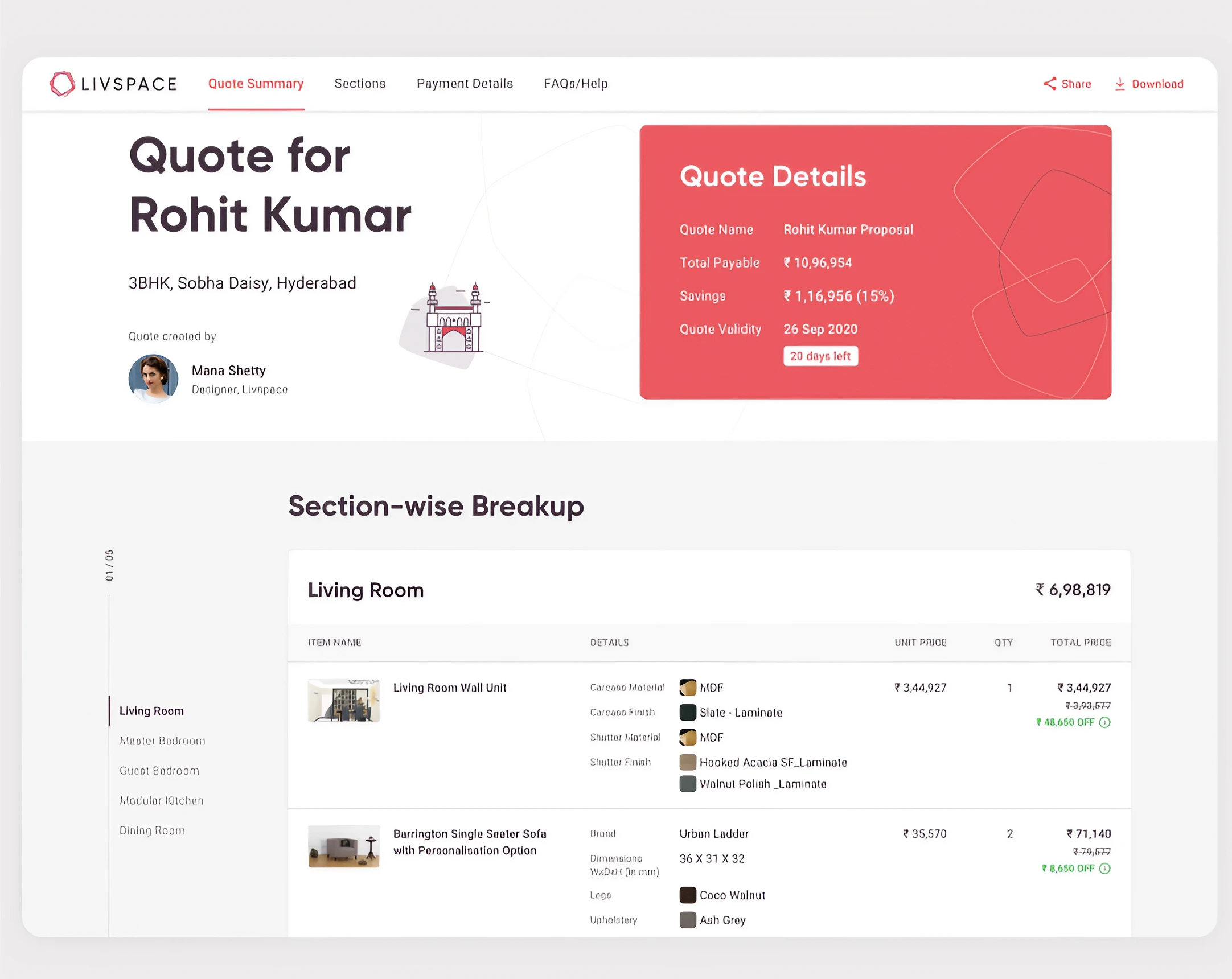
01 · Project objective
Quotes that win pitches
Scope of work
Build the quote against the design
Let designers build Bills of Quotation against the designs they showed clients, and place orders against them.
A BOQ shows a customer every product, service and material in their project. It’s a proposal — once approved, the basis for production-ready designs.

02 · Project overview
Problem areas

- Designers used generic tools like Excel; quotes were neither rich to read nor enticing.
- The old BOQ builder was unintuitive, with usability flaws that confused designers.
- Designers were losing pitches because of unconvincing BOQs.
03 · Research
Understanding needs and usability issues
Methods used
- UAT on the existing platform
- Heuristics
- Competitive analysis
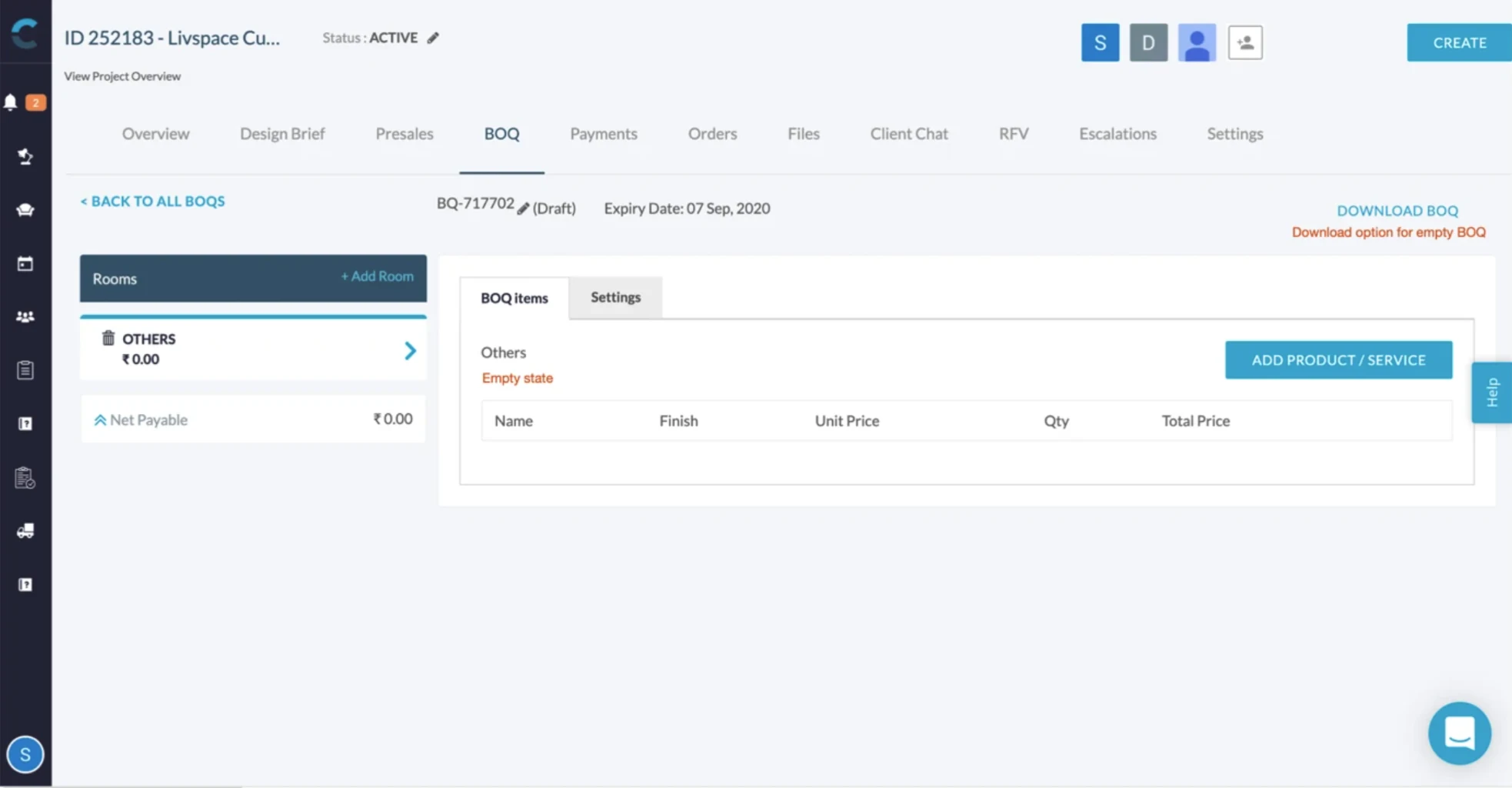
Interviews
What’s the most important information you need while building a BOQ?
What do you want to show customers in your quotes?
Look at this quote — what do you like and dislike?
How do you create multiple quotes and share them?
Walk us through creating a quote and placing an order.
How do you reuse old BOQs for new projects?
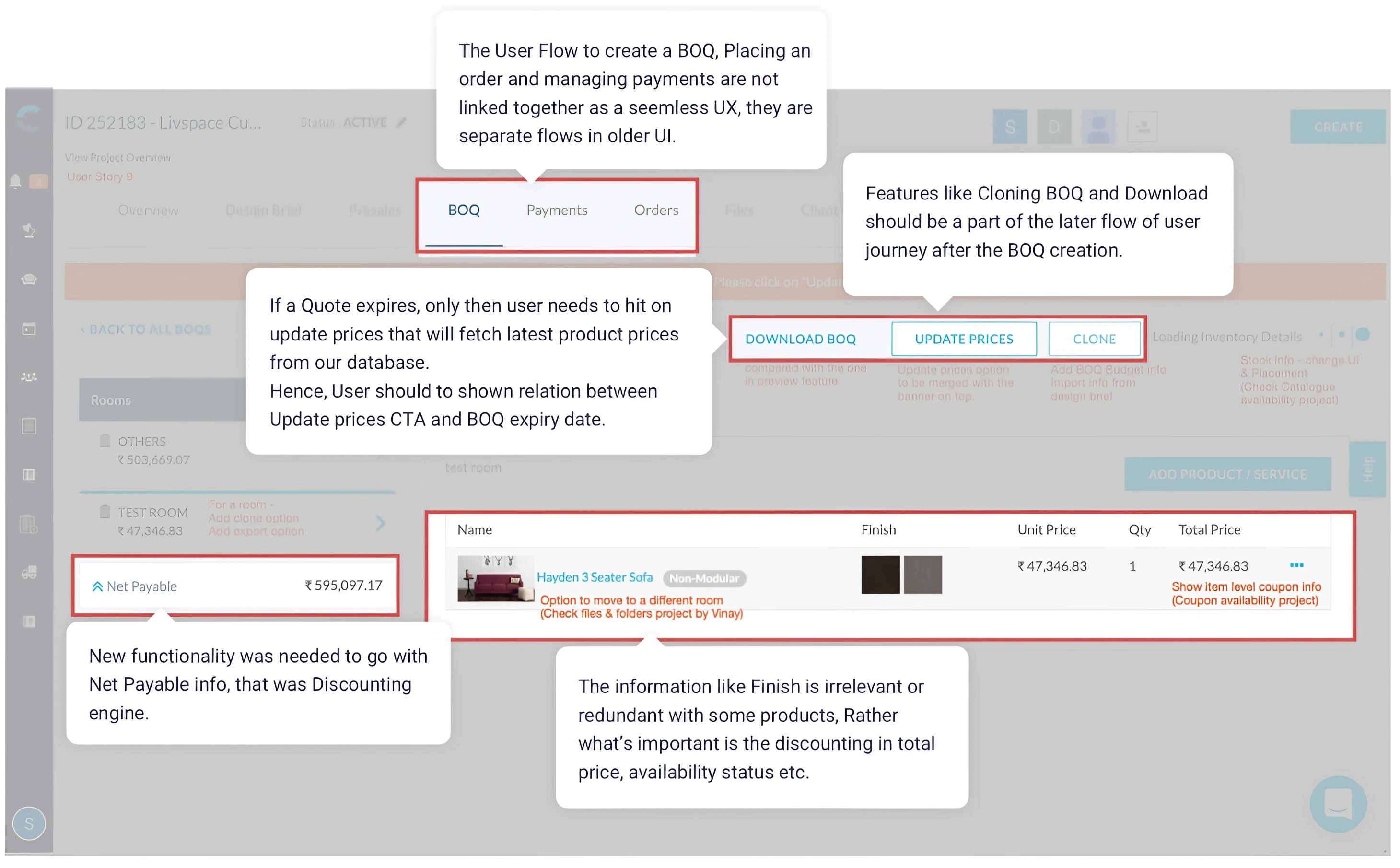
Heuristics evaluation & UAT results
04 · UX/UI design
Four user stories, designed
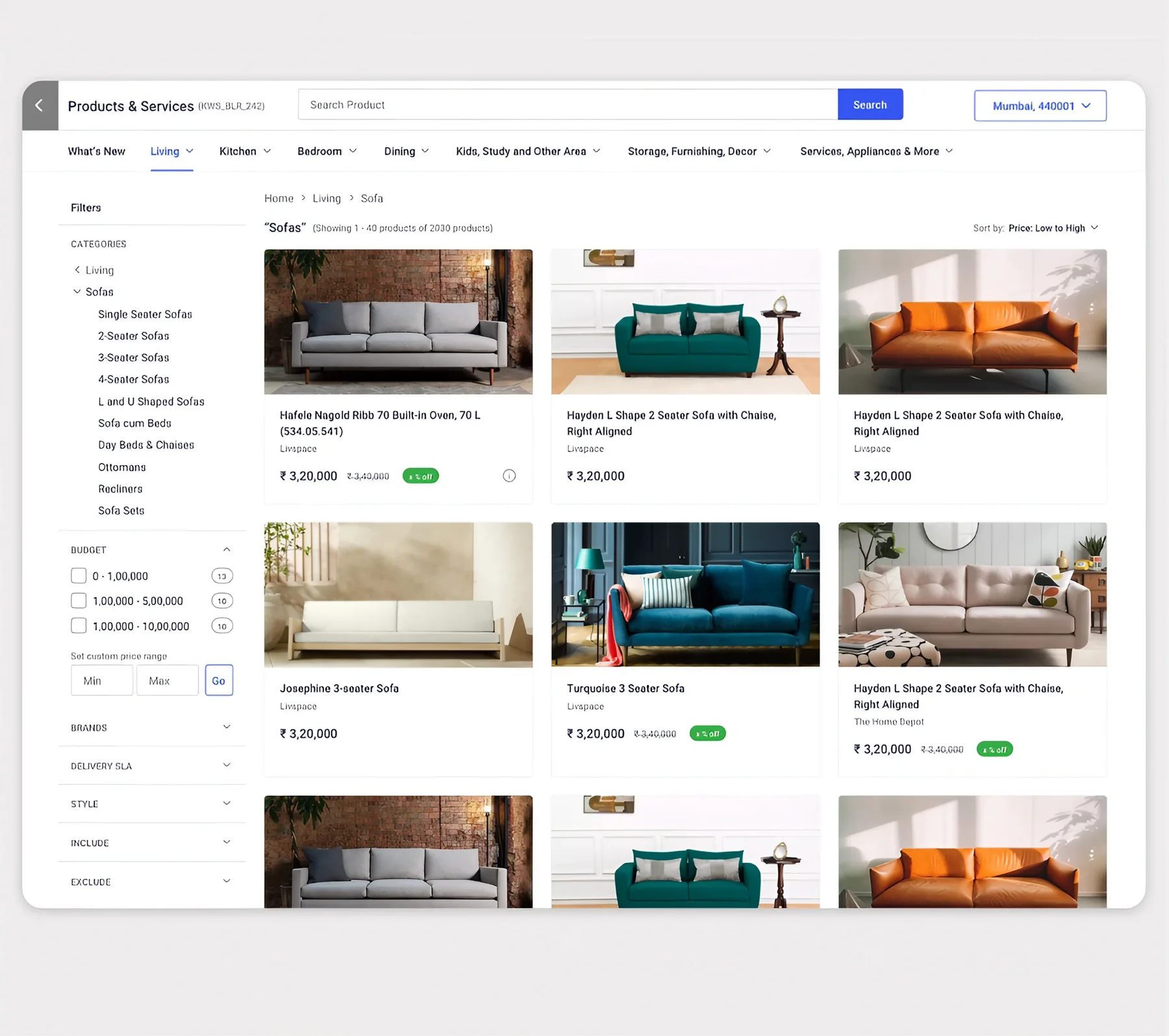
Create a new quote
As a designer, I want to create a quote for my client’s 3 BHK flat, as per the family’s requirements.
- Add products and services
- Apply discounts
- Organise by room
- Preview and publish
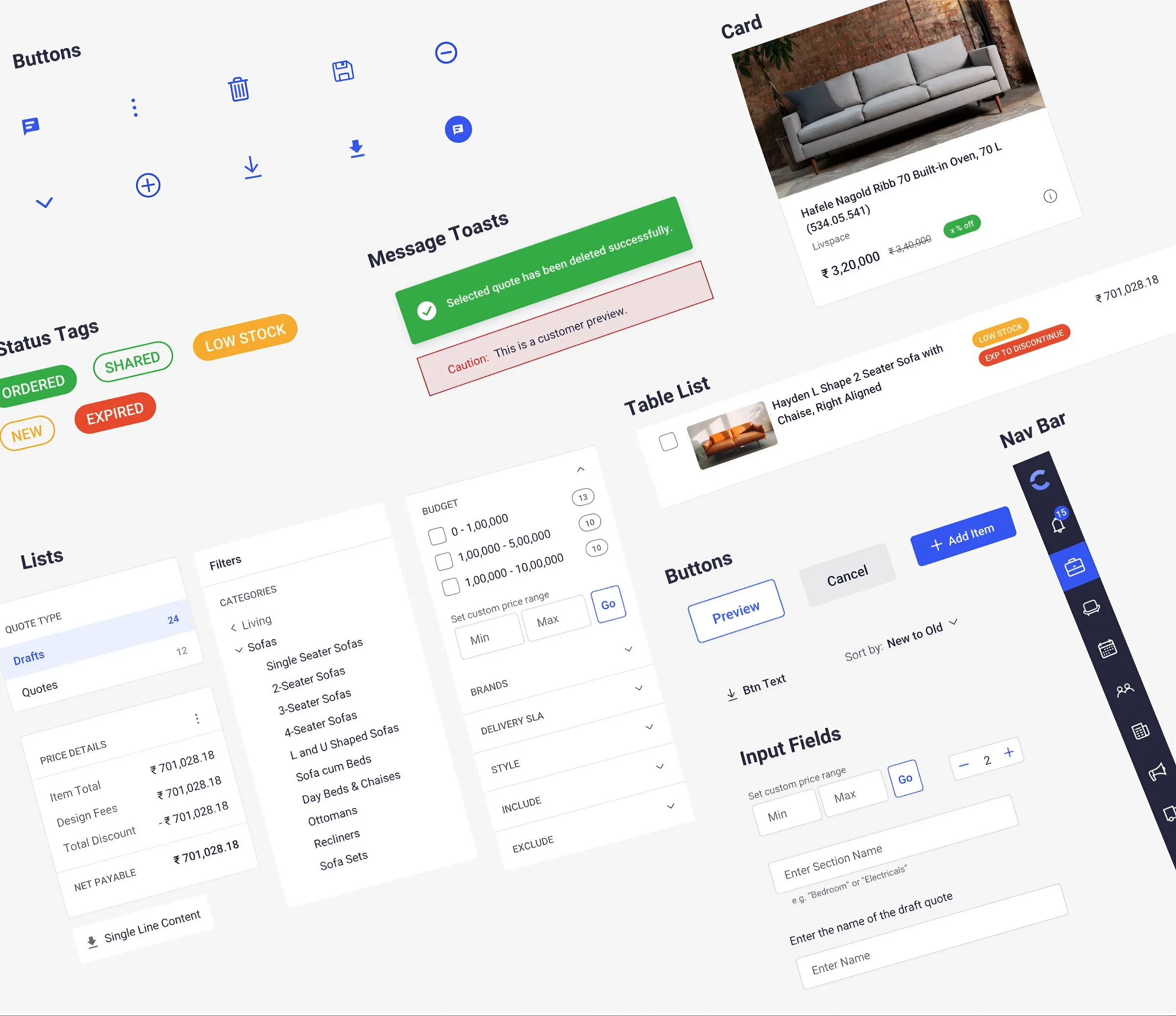
Component library
Built in parallel, to support every Livspace application and platform.
Thank you
Bill of Quotation Builder · Product Design Lead · 2020