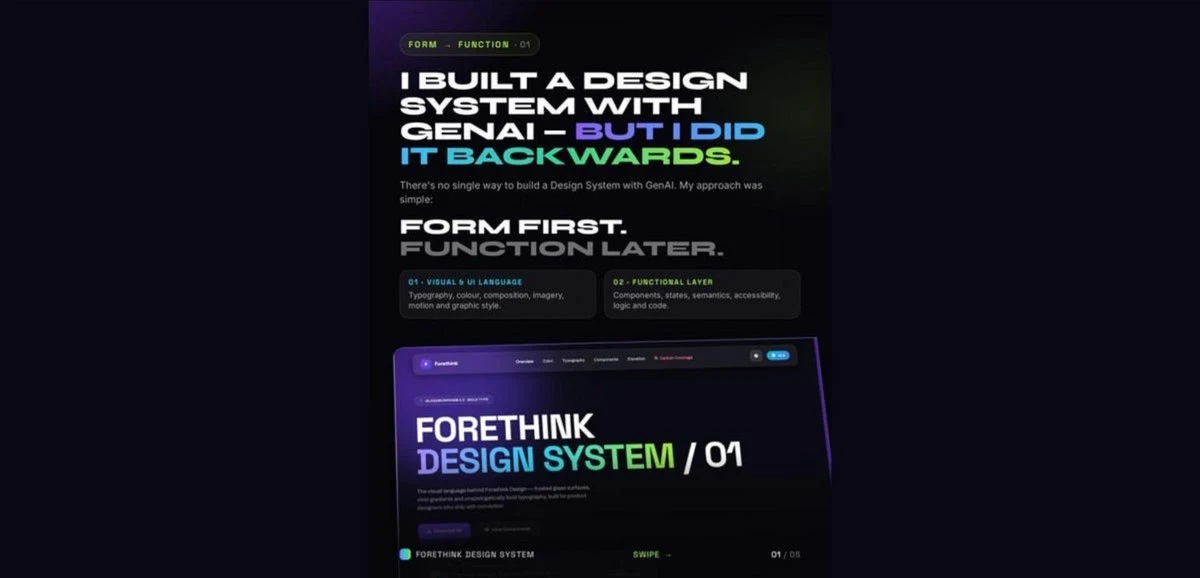
Most design systems start with components, tokens, patterns and code.
I started with Form.
I first defined the visual language — typography, colour, composition, imagery, motion and graphic style. Then I used GenAI to explore and formalise that language. Only after that did I add Function: components, states, semantics, accessibility, React and interaction logic.
For the functional foundation, I used the Carbon Design System and then used Claude Code to bring the two layers together.
The result is now implemented on my portfolio: forethink.design
I’ve summarised the entire approach in this 5-page visual breakdown below.
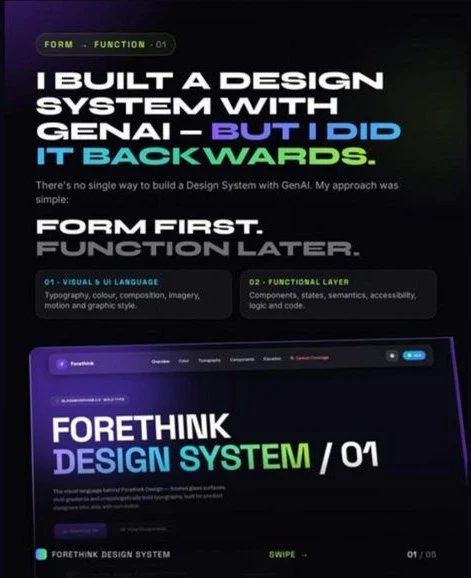
There’s no single way to build a Design System with GenAI. My approach was simple: Form first. Function later.
- Visual & UI language: typography, colour, composition, imagery, motion and graphic style.
- Functional layer: components, states, semantics, accessibility, logic and code.
I started with the design, not the design system.
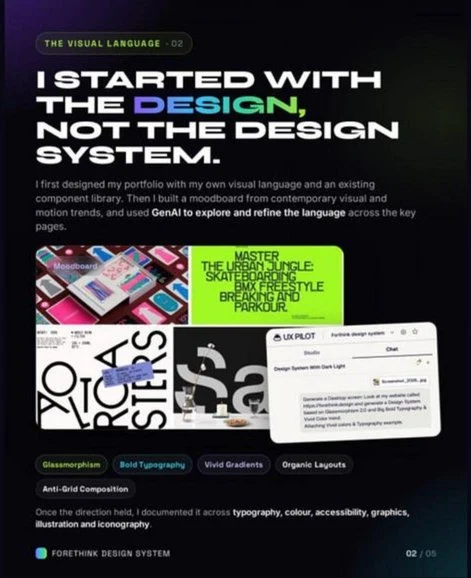
I first designed my portfolio with my own visual language and an existing component library. Then I built a moodboard from contemporary visual and motion trends, and used GenAI to explore and refine the language across the key pages.
The direction came down to five ideas: Glassmorphism, Bold Typography, Vivid Gradients, Organic Layouts and Anti-Grid Composition. In UX Pilot, I prompted: “Generate a Desktop screen: Look at my website called forethink.design and generate a Design System based on Glassmorphism 2.0 and Big Bold Typography & Vivid Color trend. Attaching Vivid colors & Typography example.”
Once the direction held, I documented it across typography, colour, accessibility, graphics, illustration and iconography.
A beautiful interface is not a design system.
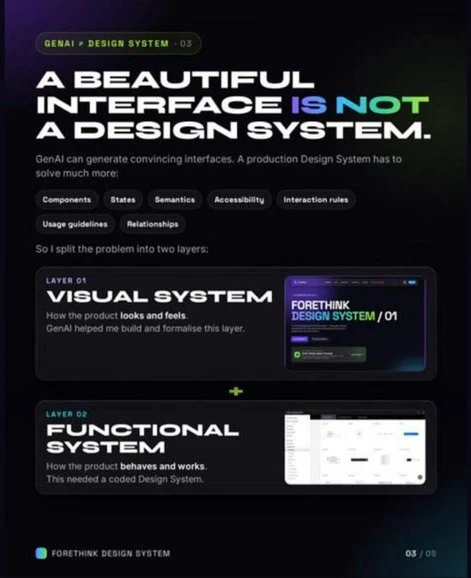
GenAI can generate convincing interfaces. A production Design System has to solve much more: components, states, semantics, accessibility, interaction rules, usage guidelines and relationships. So I split the problem into two layers:
- Layer 01, the Visual System: how the product looks and feels. GenAI helped me build and formalise this layer.
- Layer 02, the Functional System: how the product behaves and works. This needed a coded Design System.
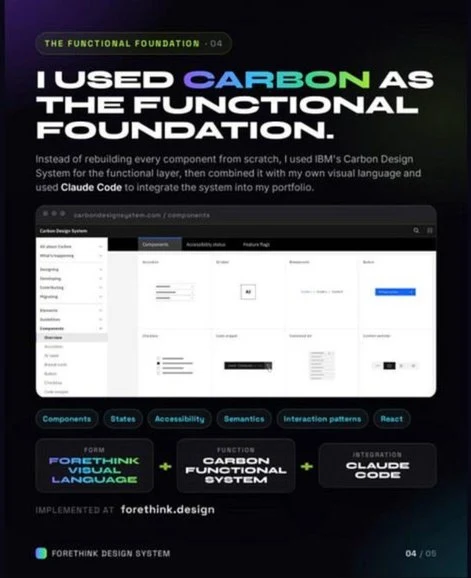
I used Carbon as the functional foundation.
Instead of rebuilding every component from scratch, I used IBM’s Carbon Design System for the functional layer, then combined it with my own visual language and used Claude Code to integrate the system into my portfolio.
Carbon brought the functional foundation: components, states, accessibility, semantics, interaction patterns and React.
- Form: the Forethink visual language
- Function: the Carbon functional system
- Integration: Claude Code
Implemented at forethink.design
Forethink Design System
My own visual language, applied to a mature functional foundation: visual language, then functional system, then production.
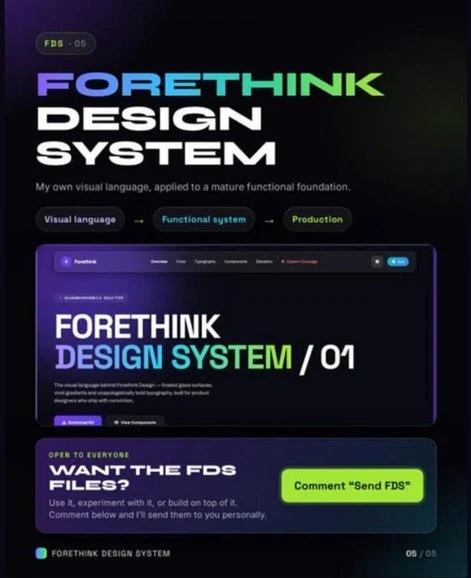
And I’m making the Forethink Design System (FDS) available for anyone who wants to experiment with it, learn from it or build on top of it. It’s open to everyone.
Want the FDS files? Write to me with the subject “Send FDS” at sarthak15oct@gmail.com and I’ll send them to you personally.
Curious to see what others build with it.