Case study · Livspace · Interior design SaaS · 2020

Canvas UX/UI redesign for Livspace
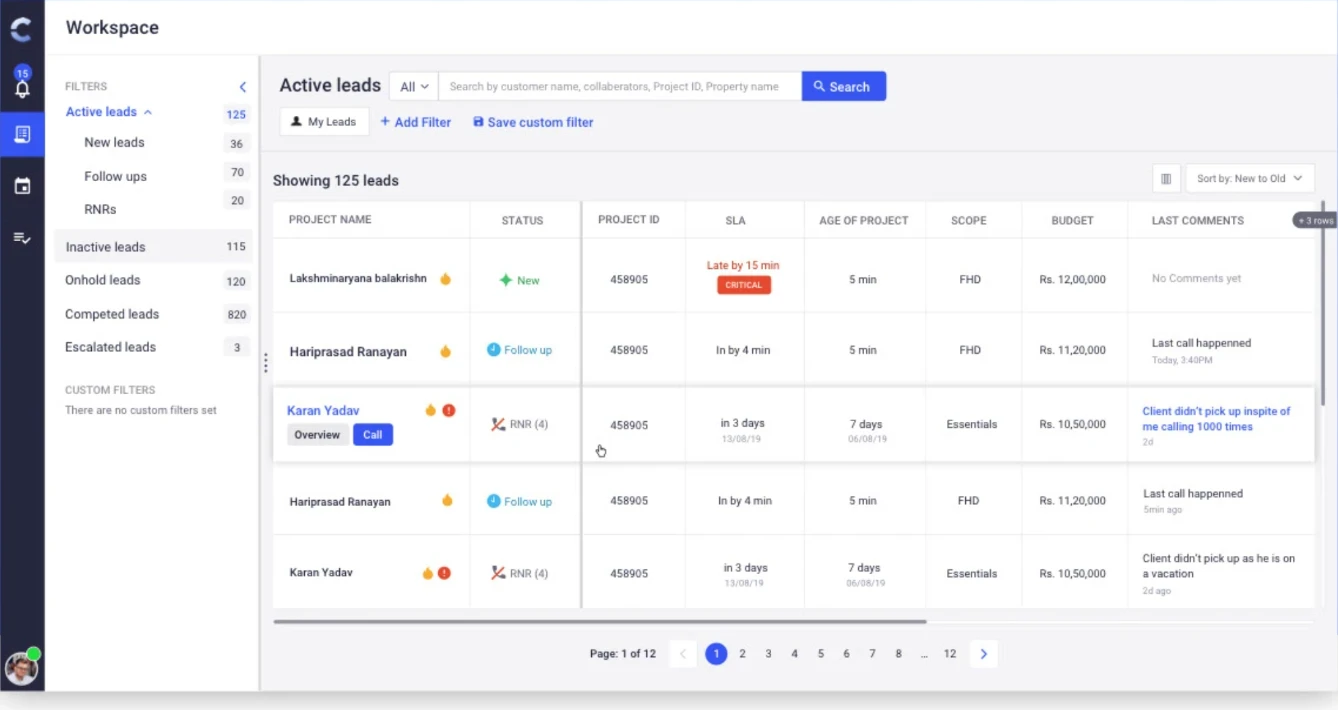
Improving the capabilities and usability of Canvas — the app 2,000 Livspace interior designers use to run every project, from the first lead to final handover.
01 · Context
What is Canvas?
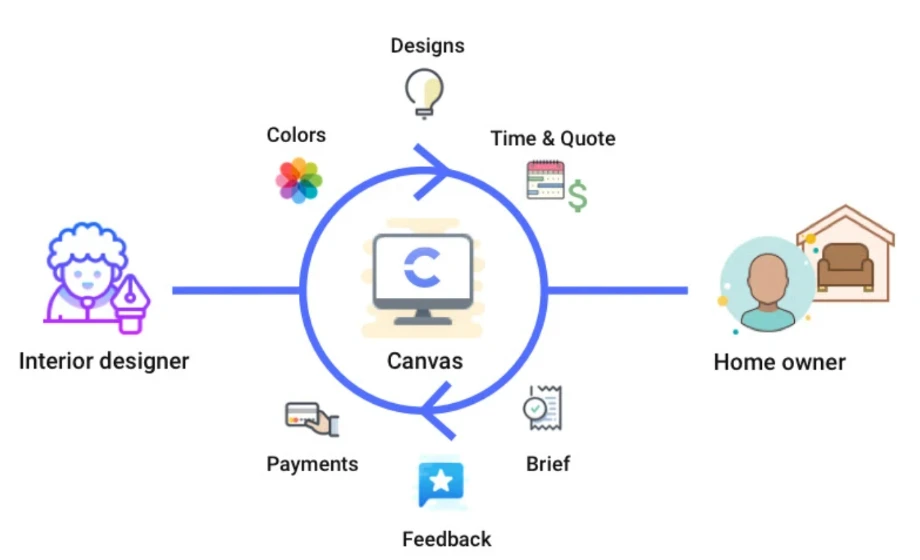
A digital tool with one purpose: to streamline an interior designer’s workflow, so they can:
- Manage projects, tasks and timeline
- Pitch for projects
- Share designs and get feedback
- Co-ordinate with team members
- Collect payments
- Hand over final designs for execution
02 · Business case
Growth brought new problems
interior designers across India
projects per designer, every month
Problems
- The process isn’t followed consistently, despite training and documentation.
- Canvas is open-ended and doesn’t guide the experience.
- It doesn’t cover many key use cases.
- Usability issues make designers’ work harder.
Business impact
- Directly on sales
- Time to project delivery
- Brand image in the customer’s mind
- Word-of-mouth publicity
03 · Goals
Four goals for the redesign
Make Canvas a guided experience
Enforce process for standardised practices
Fix usability issues for productivity
Make it scalable, to become a SaaS
04 · Research
A designer’s workflow
- 01Client contacts us
Interest expressed
- 02Assign lead
Who’ll work on it?
- 03Intro call
Basic requirements
- 04Briefing
Detailed scope
- 05Pitch
Build pitch; collect 10%
- 06Site measurement
Experts measure the site
- 07Design
Iterate to closure; collect 50%
- 08Place order
Sent for manufacturing
- 09Shipping
To the client’s location
- 10Execution
Installed on site
- 11Final payment
The rest is collected
Mapping task flows in the old Canvas app
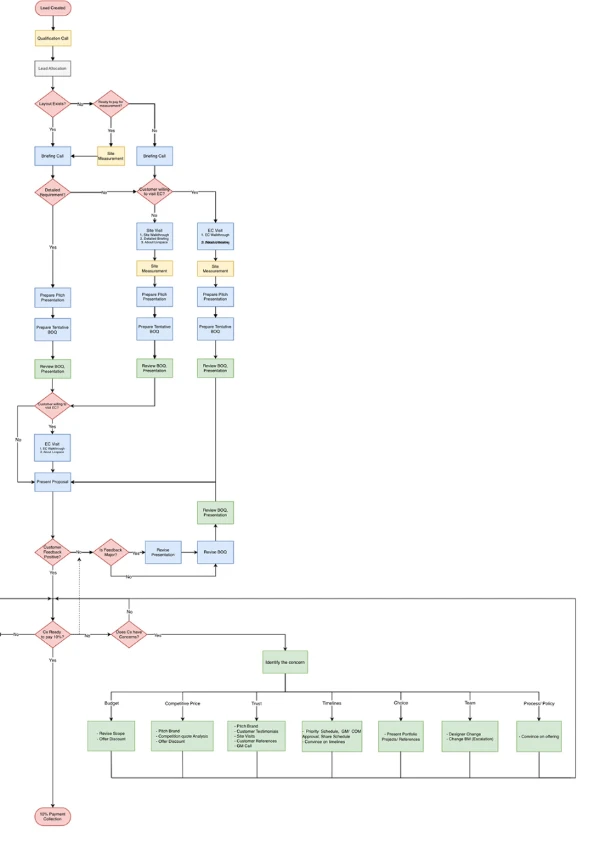
A study with designers mapped every step of each stage against how Canvas supported it — every branch between a lead landing and the 10% booking payment, including the seven objections sales conversations stall on.
- Budget
- Competitive price
- Trust
- Timelines
- Choice
- Team
- Process / policy
Heuristic evaluation of the old Canvas app
05 · Solution
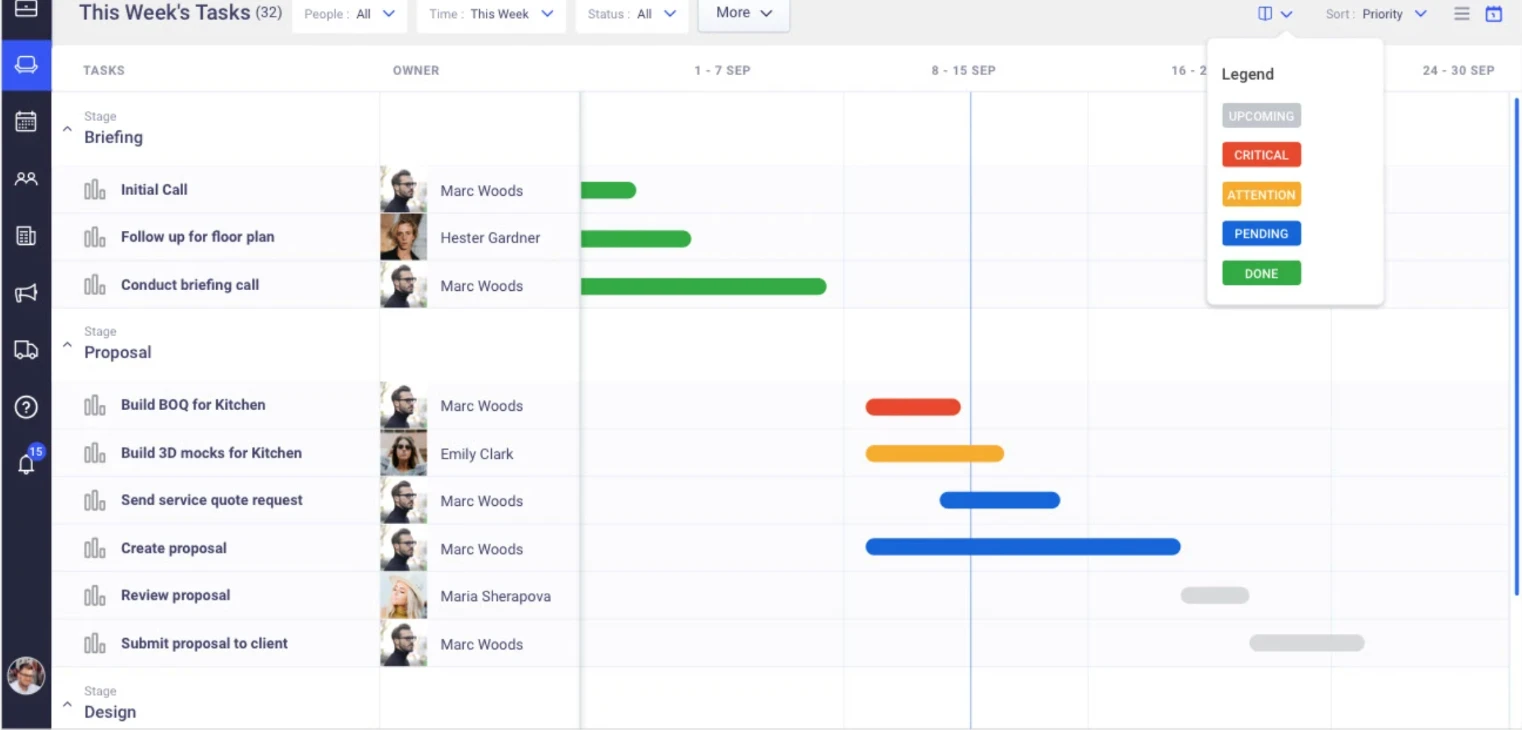
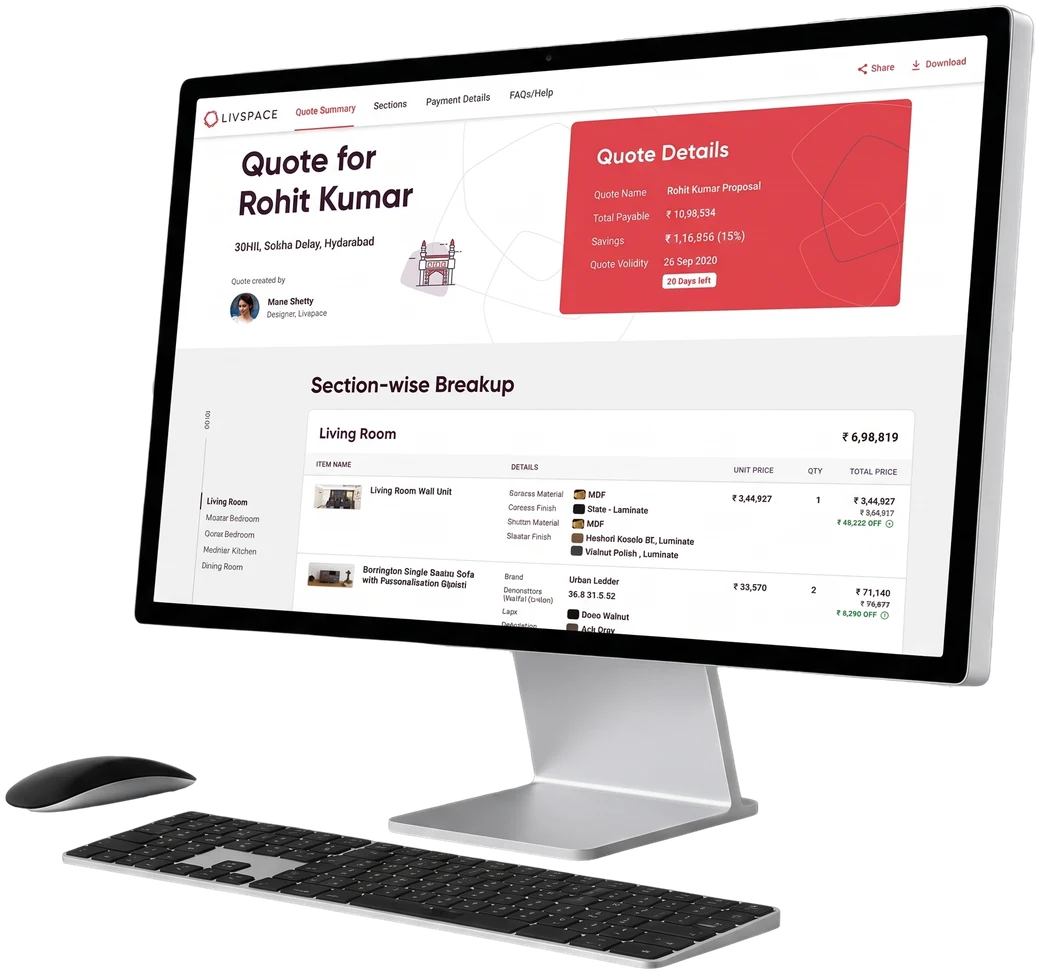
The redesigned Canvas
Thank you
Livspace Canvas redesign · Product Design Lead · 2020